

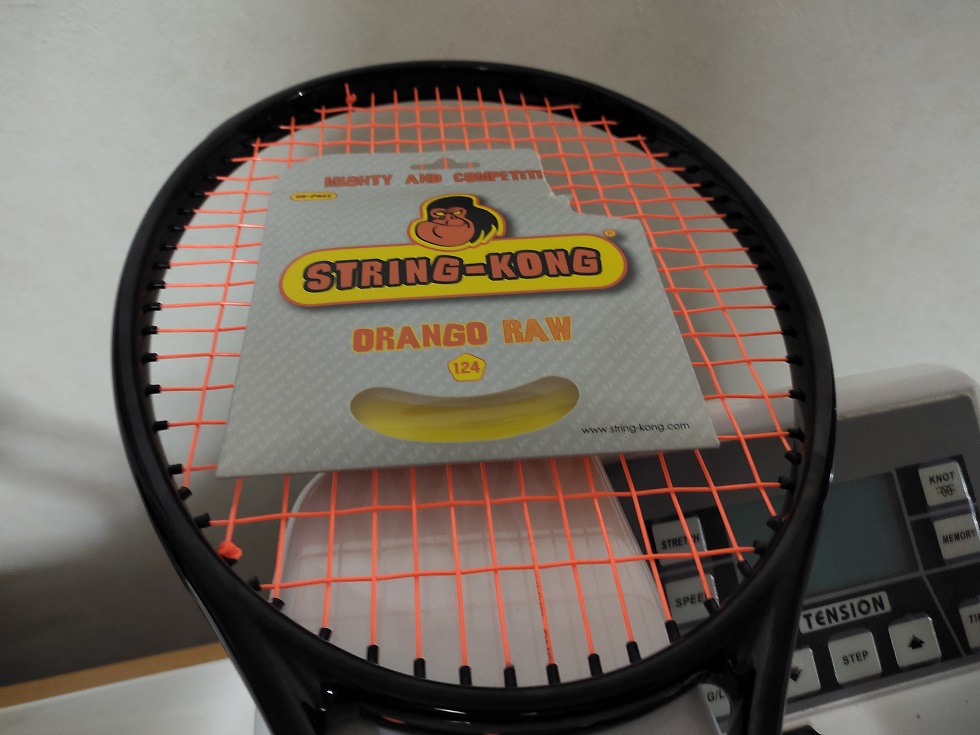
ストリングコングのポリ、残ってた最後の1本も打ちました。
オレンジの多角形ポリ、ORANGO RAW。
ラケットはバナナバイトと同じくDAHCORのK97S。
このストリングコング、買った時は絶対反発力MAXなガットだろ!って思ってましたが、ゴリルワンもバナナバイトも割とハードな打球感で、まあ、パワーある外人がバコれば丁度良いんだなって感じだった2張り。
そこでこのオランゴ・ロウまで硬かったら、同じく多角形のバナナバイトと何が違うねん!ってところですが、ちゃんと違いがあって。
スピンの為の五角形、でも角はあまり尖らせないバナナ・ラウンド・エッジテクノロジーはバナナバイトと共通ですが、オランゴ・ロウではRAWテクノロジー(そのまんま・・・)を採用。
なんか、製造時に出来る限り添加剤を排除して、成形の温度とか時間とかにも気を配って・・・快適性と弾力性を出した、とか。
・・・でも、外人の言う快適性とか柔らかさって、どうせ硬いポリがベースだからなぁ・・・って思う。
サイトの説明文見ても
「超柔らかいとは言わないけど市場の中で柔らかいポリの一つには入るよ!」
みたいな、なんか曖昧な表現・・・うーん?
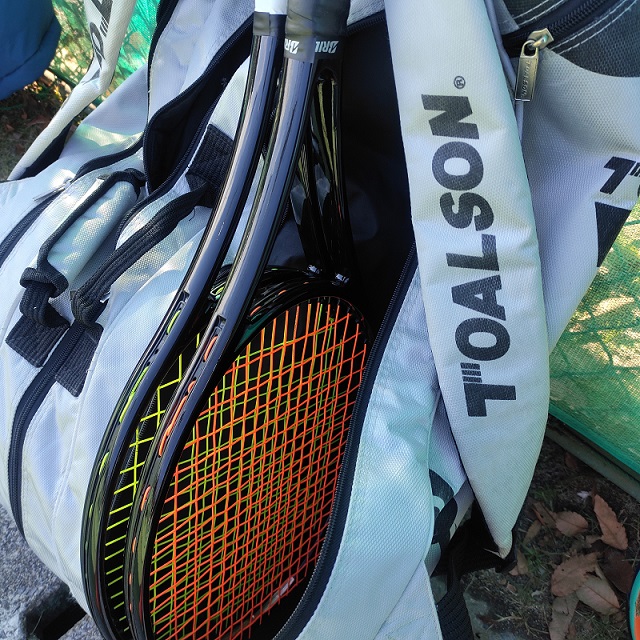
で、打った感想。
前回のバナナバイトはクロスを1本張り忘れるとんでもないミスしたけど(笑)
今回は張ったぞ当たり前に。
俺が思うにですね、この前は1本横糸を張り忘れたせいでスイングウェイト落ちちゃったんじゃないかな、とも思ったんですよ。
バナナバイトが硬く、かつK97Sも硬いフィーリングでどうにもイマイチ・・・
なのでバナナK97Sのトップ部に錘を軽く貼ってみた打ってみたらこの前より良い。
硬さはあるけど、トップヘビーにした分ヘッドが走ってボールを持っていける。
硬さに負けずに振れる事でボールを叩ける、これなら硬くても使えるぞバナナバイト。
そして迎えるオランゴ・ロウ、柔らかくなったとの言葉に偽りは無く、今までのゴリルワン、バナナバイトよりも使い易い!
柔らかいって言ってもコシのある打感でストリング自体はしっかりしている。
マイルドでは無いし、食い付きも少ない。
多角形って強度出す為に硬く作られてるって言うけど、個人的には例えばポリツアースピンは柔らかいし食いつくと思うし、それと比べると天地の差。
あと五角形繋がりでハイパーGも、柔らかいって言われるタイプで合ってるかな。
それよりもしっかりしている感じ、が近いかどうか。
まー外人と日本人じゃ柔らかさとかパワーの基準が違うよねって。
そんな感じの柔らかさではあるんだけど、バナナバイトより少し柔らかくなって、しかしコシがあるおかげでボールを打ち易い、飛ばし易い。
こういうのをシルキータッチって呼ぶのかな?
バナナバイトは硬いからしっかり打たなきゃ・・・ってところもあってね。
柔らか過ぎるポリはボールが飛ばないイメージがある、特にポリツアースピンなんか食い付きも凄いから飛ばないってイメージがあったけど、コシがあるポリは硬さでボールを叩ける分、飛ばせる。
ストリングの反発力自体もストリングコング全般に共通してそこそこあるのでノーパワーって訳ではない、そこは流石にコングってところだね。
でもゴリラの絵を前面に押し出しておきながらバランスの良いストリングに仕上がるのがストリングコングなのか。
5段階評価で言うと・・・
飛び:☆☆☆+ 回転:☆☆☆☆ 硬さ:☆☆☆
って感じですかねぇ、こう見るとバナナバイトとあんま変わんない評価じゃん!って言われそうだけど(笑)
でもこういう誤差の部分がデカいんだよね、数多ものストリングが出回るこの時代ってやつは・・・(謎)
あ、スピン性能は特別すげぇ!っていう感じではないけど、まあ、多角形相応のスピン性能と言いますか。
スピン性能よりもこの総合力を見よ!って感じだと思いますよ、ストリングコングは。
サイトの説明を見るとバナナバイトにあったスリッピーピールテクノロジーをオランゴ・ロウでは使ってないみたいなんですけど、でも手触り的には滑り易そうな感じ。
これはコリルワンもそんな感じだったしねスナップバック性は全然あるタイプだと思います。












Hello m?i ngu?i ai dang tim ch? n?p rut nhanh d? choi N? Hu thi vao ngay con hang nay. Uy tin luon: Link t?i Sunwin. Hup l?c d?y nha.
Hello mọi người người anh em nào cần nhà cái uy tín để gỡ gạc Tài Xỉu thì xem thử địa chỉ này. Đang có khuyến mãi: BJ88. Chúc các bác rực rỡ.
lightweight screenshot app Best Screenshot Tool for Windows 10 & 11 If screenshots are a regular part of your workflow the standard Windows Snipping Tool soon shows its limitations. Multiple steps no cloud support no instant sharing links and sluggish interaction make it impractical for modern workflows. A proper screenshot tool should be unobtrusive fast and designed around a single streamlined flow: capture then upload and share. This minimal screenshot tool for Windows 10 & 11 is built specifically around this idea. Hit PrtScn choose any screen area release and the screenshot is uploaded immediately. The sharing link is placed in your clipboard automatically. No save dialogs no browsing folders no manual uploading. Region capture is precise and predictable. A simple crosshair selector enables pixel-level accuracy allowing easy capture of interface elements code fragments charts or partial screens — faster and more dependable than the default Snipping Tool. Capturing the entire screen is just as easy. Press Shift PrtScn to instantly capture the full desktop. The result is a full-resolution image suitable for documentation presentations or bug reports with no interruptions or popups slowing you down. The primary benefit is immediate cloud upload. Each screenshot is uploaded automatically with the link ready in milliseconds. The link can be pasted instantly into messengers emails or support systems without touching the file system or third-party image hosts. The application runs quietly in the system tray and is built to stay unobtrusive. Memory consumption remains under 50MB of RAM launch time is virtually instant and the installer is only 2MB. When compared to heavier alternatives like Greenshot Lightshot or ShareX the difference in speed and responsiveness is immediately noticeable. Privacy is handled responsibly. No advertising no analytics no tracking and no background data collection. Screenshots may contain sensitive information and the application treats them with proper care — and no unnecessary processes running behind the scenes. Hotkeys are fully customizable. You can assign PrtScn CtrlShiftS or any shortcut you want and adjust image quality or behavior without heavy settings panels or cluttered menus. The built-in Windows Snipping Tool works but it stops at capture. It offers no cloud workflow no instant sharing and no speed optimization. This tool replaces it by focusing on what actually matters: capturing information and sharing it instantly. If screenshots are part of your daily work in development support remote work or documentation — speed and simplicity are not optional. A proper screenshot tool should feel built into the system not like a separate application.
Dola789 đăng nhập Tải app Dola789 and Nhà cái Dola789 Dola789 http://www.localmeatmilkeggs.org/facebook.php?URL=https://gramodayalawcollege.org.in nhà cái dola789 and https://dan-kelley.com/user/vujwjsjgoj/?um_action=edit nhà cái dola789 Nhà cái Dola789 Dola789 đăng nhập and Link không bị chặn Tải app Dola789
Hello mọi người bác nào muốn tìm chỗ nạp rút nhanh để gỡ gạc Nổ Hũ đừng bỏ qua chỗ này. Đang có khuyến mãi: Link vào Dola789. Húp lộc đầy nhà.